 AI Quizzes & Flashcards
Lyt Quiz
Snap a photo of your notes or paste in text, and Lyt Quiz turns it into quizzes and flashcards you can master with spaced repetition.
Download on theApp StoreFree on iPhone and iPad. Create 5 quizzes free, or upgrade to Pro for unlimited.
Simple pricing
Start free, upgrade to Pro when you’re ready.
Lyt Quiz Pro
Upgrade in the app.
- Monthly$2.99/month
- Yearly$19.99/year
- Lifetime$49.99 once
Teachers: classroom licences are available. Contact us for details.
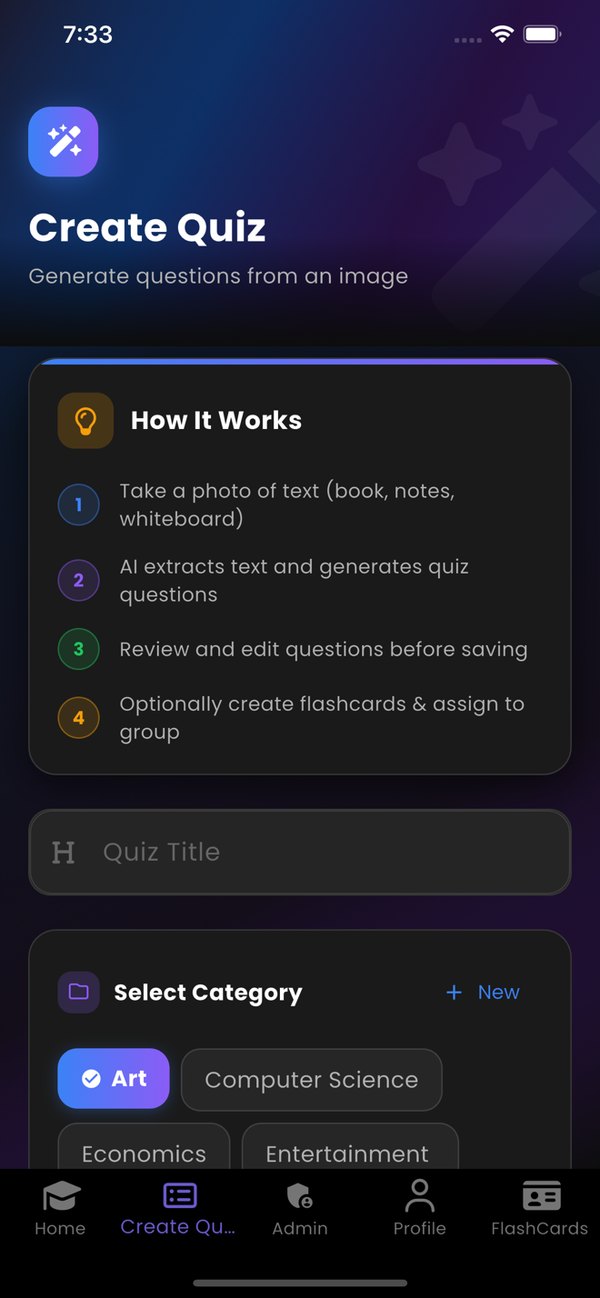
Create a quiz from an image
How quiz creation works in the app.
Take a photo of text: a book, your notes or a whiteboard.
AI extracts the text and generates quiz questions.
Review and edit the questions before saving.
Optionally create flashcards and assign the quiz to a group.
See it in action
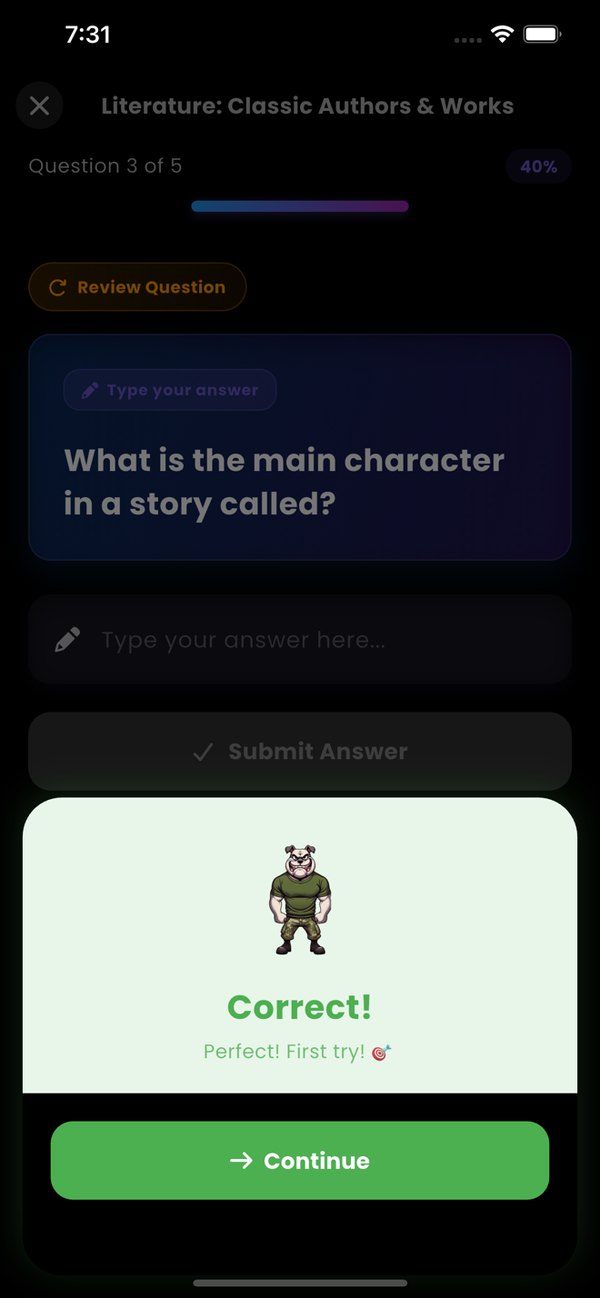
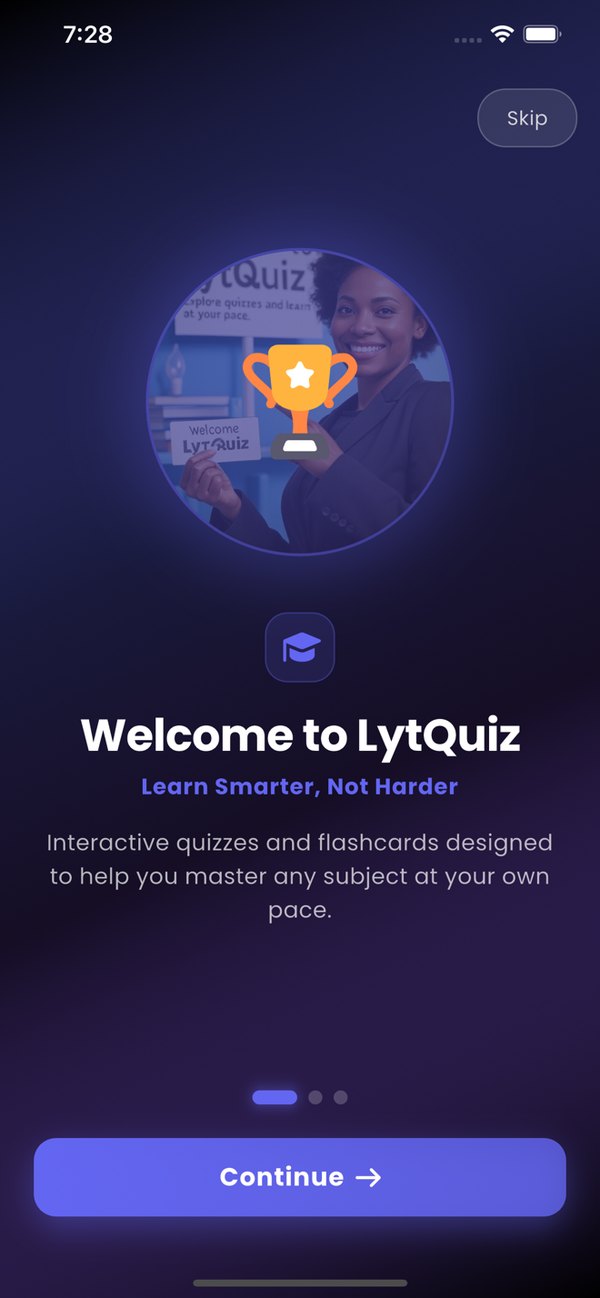
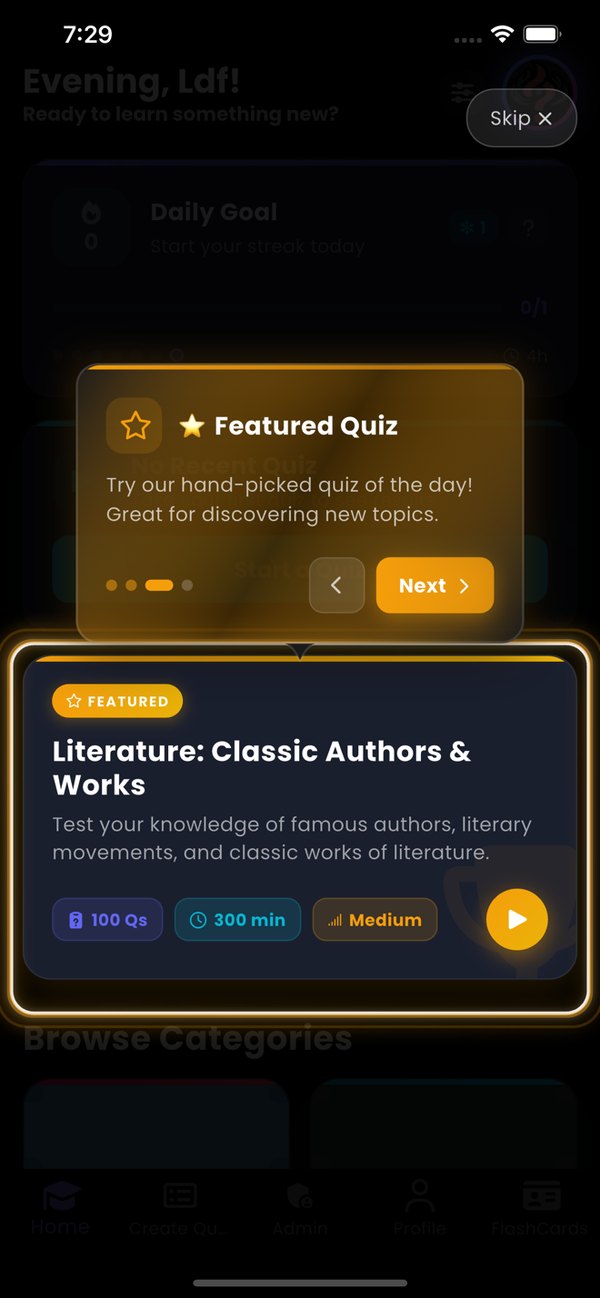
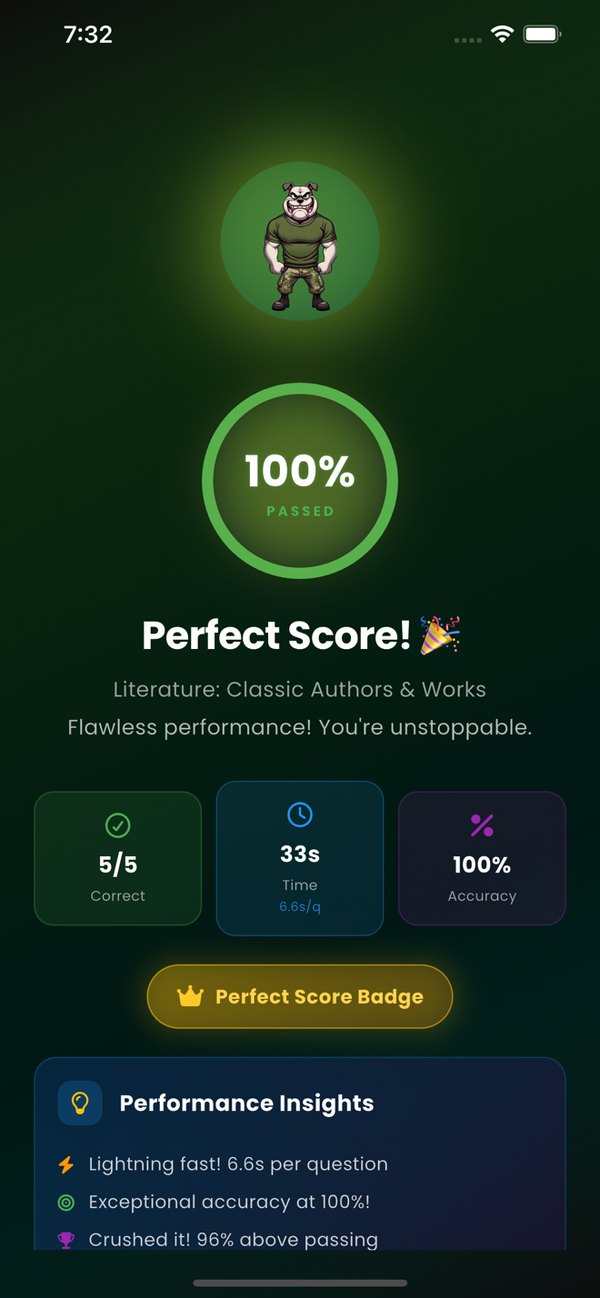
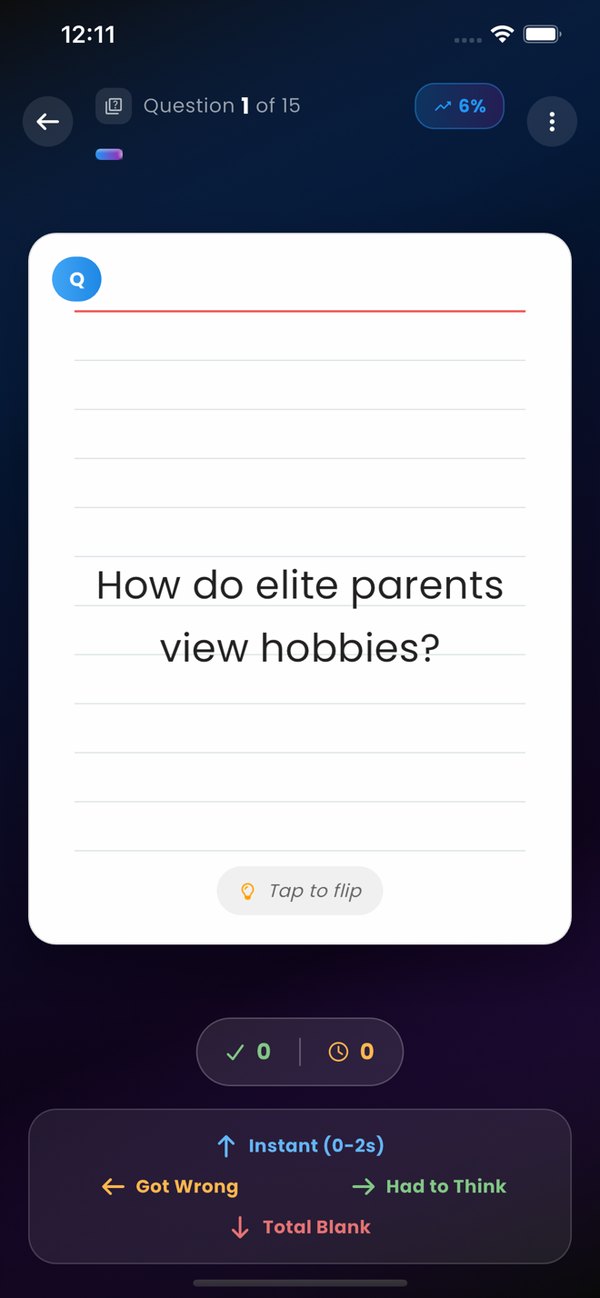
Real screens from the Lyt Quiz app.
Frequently asked questions
Is Lyt Quiz free?
Lyt Quiz is free to download from the App Store and you can create 5 quizzes for free. A Pro subscription unlocks unlimited quiz creation.
Which devices does it run on?
Lyt Quiz is available for iPhone and iPad and requires iOS 15.6 or later.
Can I make quizzes from my own notes?
Yes. Take a photo of a book, your notes or a whiteboard, or enter text, and AI generates multiple-choice or fill-in-the-blank questions with answers and explanations. You can review and edit the questions before saving.
Does it work offline?
Yes. Your quizzes and flashcards are stored on your device so you can study offline, and they sync to the cloud when you’re back online.
How do study groups work?
Each group has a group code that members use to join. Quizzes can be shared with and assigned to the group, and the group shows recent activity and member progress.
How is my data handled?
Your account and study data are stored with our cloud database provider, Back4App (Parse Server). Images you upload for AI quiz creation are sent to third-party services only to extract text and generate questions. Read the full Privacy Policy for details.
How do I delete my account?
In the app, go to Settings → Delete Account. This removes your personal data, as described in our Privacy Policy.
How do I get help?
Visit our Support page or email support@lytquiz.xyz.
Start learning with Lyt Quiz
Turn anything you’re studying into quizzes and flashcards.
Download on theApp Store